用GPT-Image轻松制作复古线条图标,设计师的省时秘诀
用GPT-Image轻松制作复古线条图标,设计师的省时秘诀
Wei Family LLC在设计工作中,我们常常需要一些简洁的图标来点缀页面或APP界面。过去,这可能要花时间手绘或用软件调整,但现在,有了GPT-Image这样的工具,一切变得简单多了。它能根据你的描述,直接生成高质量的线条图标。今天,我就分享一个实用的提示模板,让你快速创建复古风格的极简图标,适合初学者和专业设计师。
这个模板的核心是让图标保持干净、易识别。背景是纯黑色的正方形,图标用白色线条绘制,线条粗细均匀,曲线柔和,没有多余的细节或渐变。整体风格像老式的线条图标,简单却有味道。
模板是这样的:
Create a minimalist line art icon of [物体]。The icon should be white and centered on a solid black background. Use clean, vector-style linework with smooth curves and consistent line thickness. The subject should be clearly recognizable and simplified without excessive detail. The icon must be square in aspect ratio. Style should match that of a retro line icon. No textures or gradients. Flat color only.
使用时,只需把[物体]替换成你想要的东西,就能生成。举几个例子来说明。
示例一:帆船
提示:
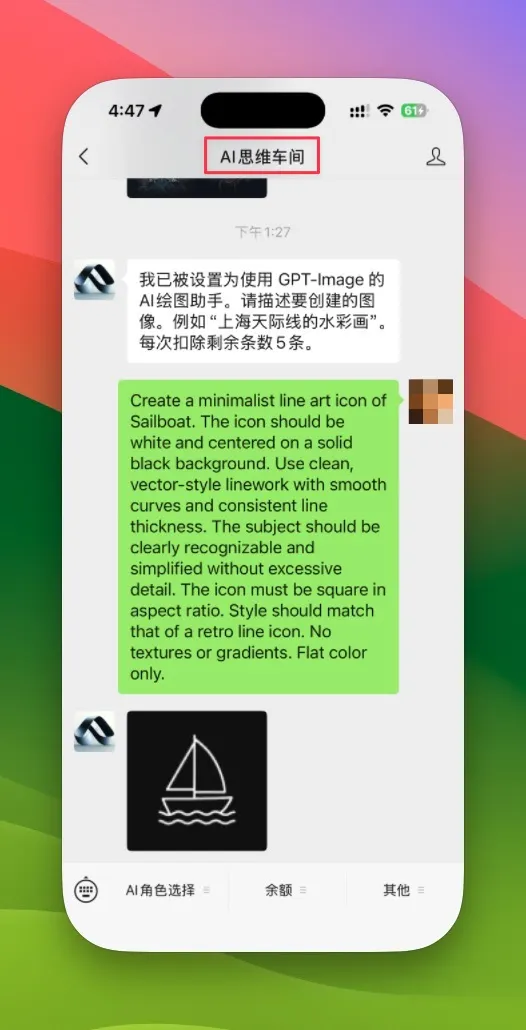
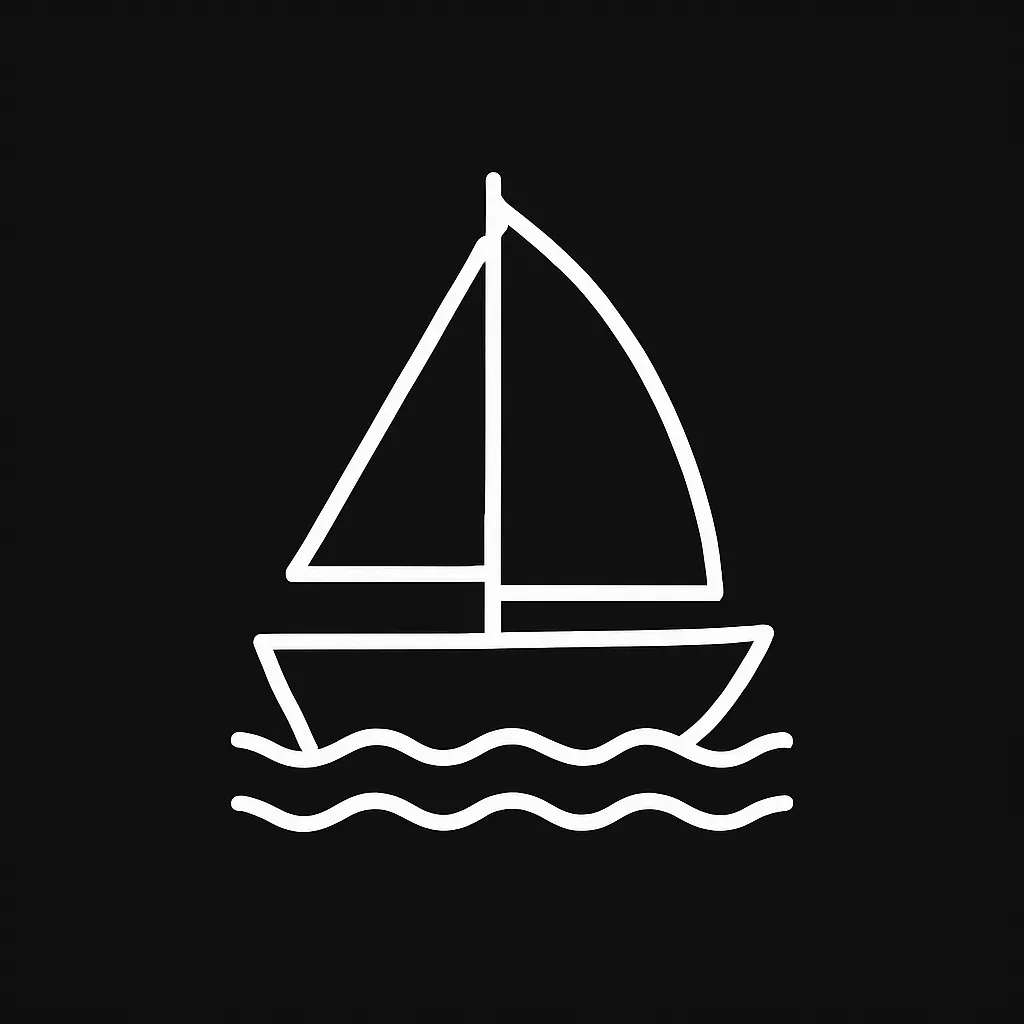
Create a minimalist line art icon of Sailboat. The icon should be white and centered on a solid black background. Use clean, vector-style linework with smooth curves and consistent line thickness. The subject should be clearly recognizable and simplified without excessive detail. The icon must be square in aspect ratio. Style should match that of a retro line icon. No textures or gradients. Flat color only.
结果就是一个经典的帆船图标,线条流畅,像从旧海报上剪下来的。
示例二:汉堡包
提示:
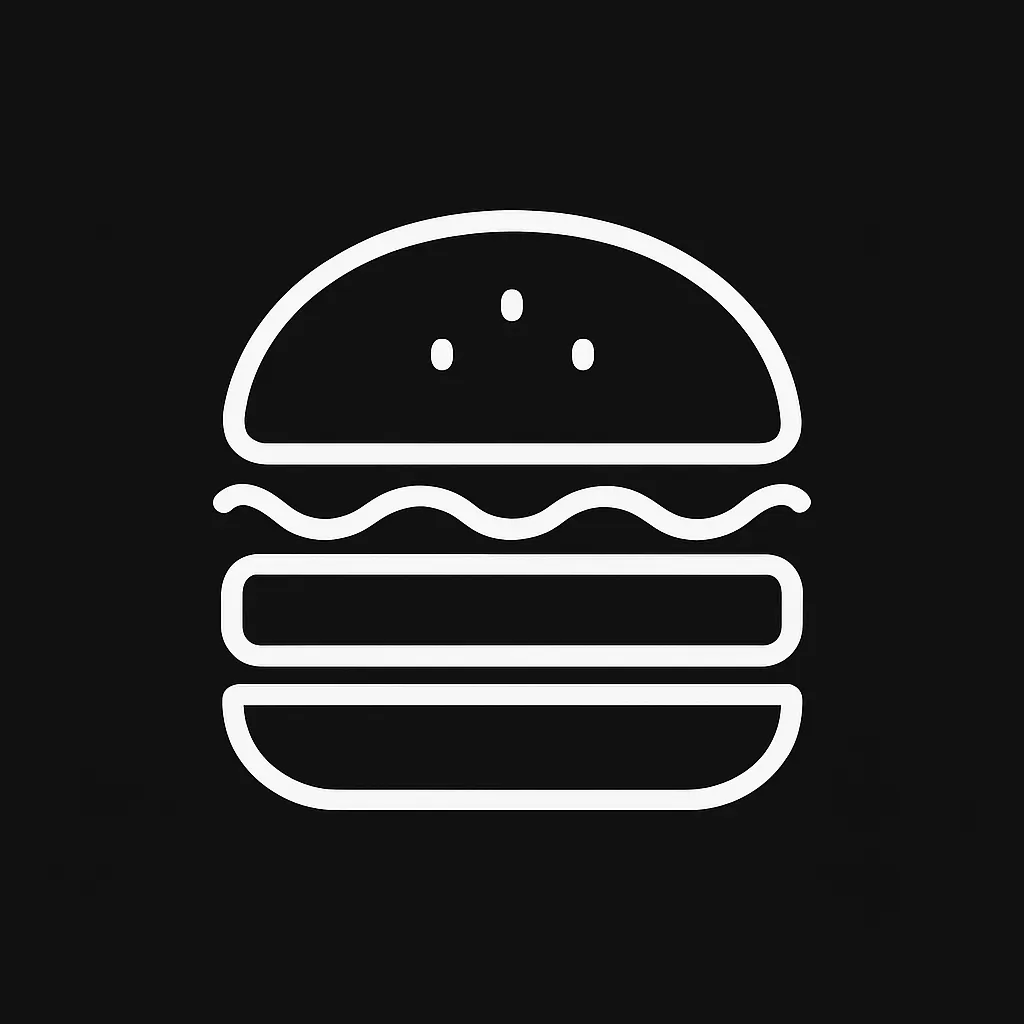
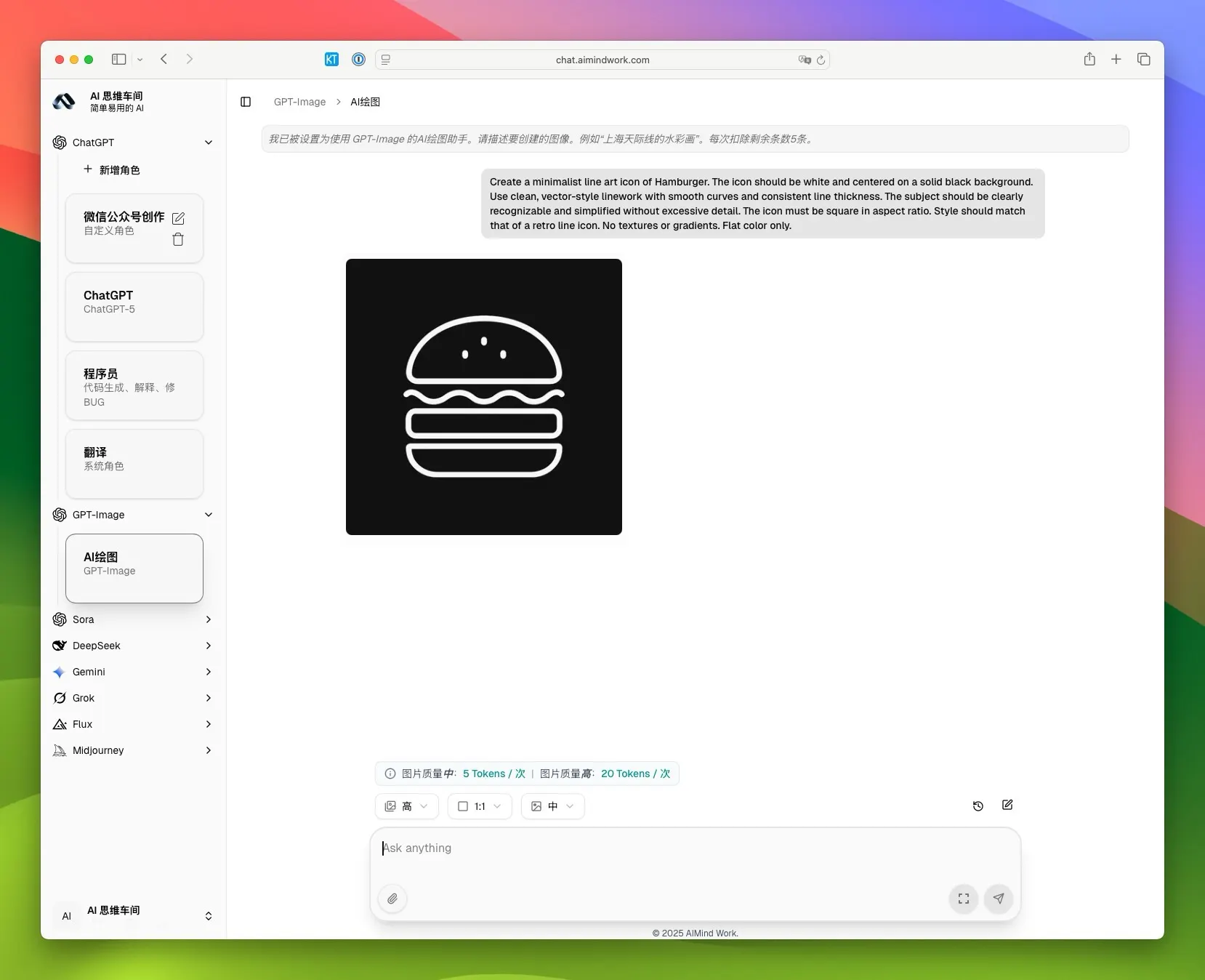
Create a minimalist line art icon of Hamburger. The icon should be white and centered on a solid black background. Use clean, vector-style linework with smooth curves and consistent line thickness. The subject should be clearly recognizable and simplified without excessive detail. The icon must be square in aspect ratio. Style should match that of a retro line icon. No textures or gradients. Flat color only.
生成的图标简单明了,面包、肉饼和蔬菜层叠分明,适合用在菜单设计中。
第三个例子:地图
提示:
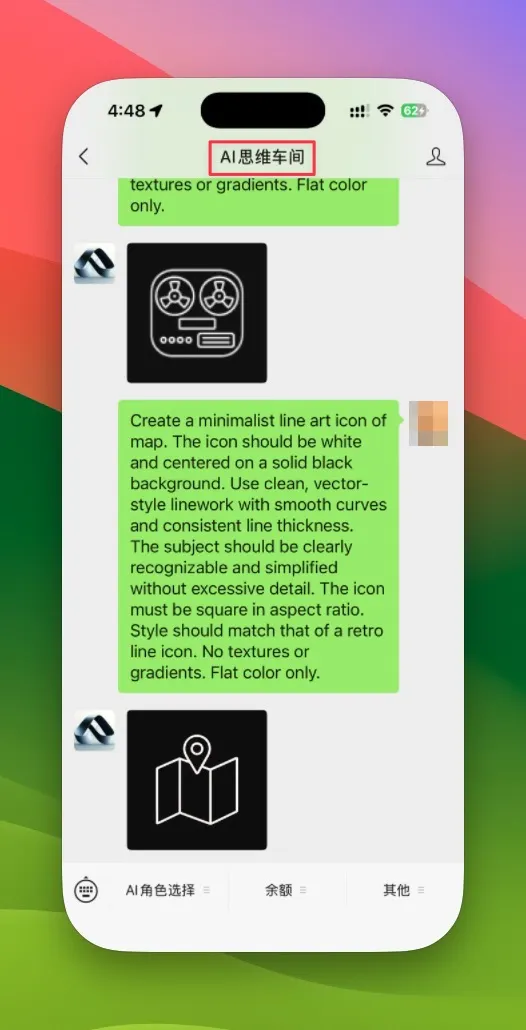
Create a minimalist line art icon of map. The icon should be white and centered on a solid black background. Use clean, vector-style linework with smooth curves and consistent line thickness. The subject should be clearly recognizable and simplified without excessive detail. The icon must be square in aspect ratio. Style should match that of a retro line icon. No textures or gradients. Flat color only.
这会出来一张折叠地图的图标,轮廓清晰,带有复古感。

为什么这个模板好用?因为它限制了生成的范围,避免了杂乱的元素,确保每次输出都一致。你可以试试其他物体,比如自行车、咖啡杯或灯泡,效果同样不错。如果你是做UI设计的,这个方法能帮你快速迭代想法,节省时间。
下次需要图标时,不妨复制这个模板试试。生成的图片可以直接导入设计软件,进一步调整。如果你有更好的变体,欢迎在评论区分享,大家一起交流。设计本该简单高效,不是吗?