一句话就能画出钢铁侠同款AR扫描图?这个神奇AI绘画咒语你一定要学!
一句话就能画出钢铁侠同款AR扫描图?这个神奇AI绘画咒语你一定要学!
Wei Family LLC你能相信吗?一句简单的“咒语”,就能让你瞬间画出科幻电影里才有的AR扫描图!
你是不是也曾经羡慕过《钢铁侠》电影里,托尼·史塔克戴上眼镜一看,就能看到各种炫酷的信息和扫描画面?
告诉你一个好消息——现在你也能做到!今天我要教你的就是用AI绘画工具Midjourney,画出钢铁侠同款的AR扫描效果!
Midjourney是什么?听起来很难!
别担心,Midjourney其实就是一个超级厉害的“绘画小机器人”。你只需要告诉它你想画什么,它就能快速帮你画出来,超简单!
那我要怎么告诉它呢?
问得好!我们只需要给这个绘画机器人输入一句特别的“咒语”就行啦!这种咒语我们叫做“提示词”,英文叫做Prompt。
今天我们要学的就是一句超级酷的AR扫描专用咒语!
咒语长这样:
An AR heads-up display scan of a [subject], layered with translucent interface elements, pulsing [color1] and [color2] markers, and gesture-control icons. Set against a blurred real-world environment.
“咒语这么长,全是英文,看不懂怎么办?”
别急,我来给你翻译成人人都能懂的大白话:
An AR heads-up display scan of a [subject]
意思是:“我要画一个AR扫描的[某个东西]”。你想画什么就写什么,比如小猫、玩具、小汽车、甚至你最爱的零食都行!layered with translucent interface elements
意思是画面里要加一些透明的小框框和线条,就像电影里漂浮的信息窗口一样。pulsing [color1] and [color2] markers
再加上一些闪闪发光的小标记,这些小标记的颜色由你来选哟!and gesture-control icons
还要再加一些小手图标,看起来就像可以隔空控制画面一样酷!Set against a blurred real-world environment
背景要做成模糊的样子,这样你扫描的东西才会更加突出!
现在是不是清楚多了?
我再带你看几个超酷的例子吧!
例子一:扫描一朵神秘的丛林花朵
咒语:
An AR heads-up display scan of a rare jungle flower, layered with translucent interface elements, pulsing lime green and golden yellow markers, and gesture-control icons. Set against a blurred real-world environment. –ar 4:3
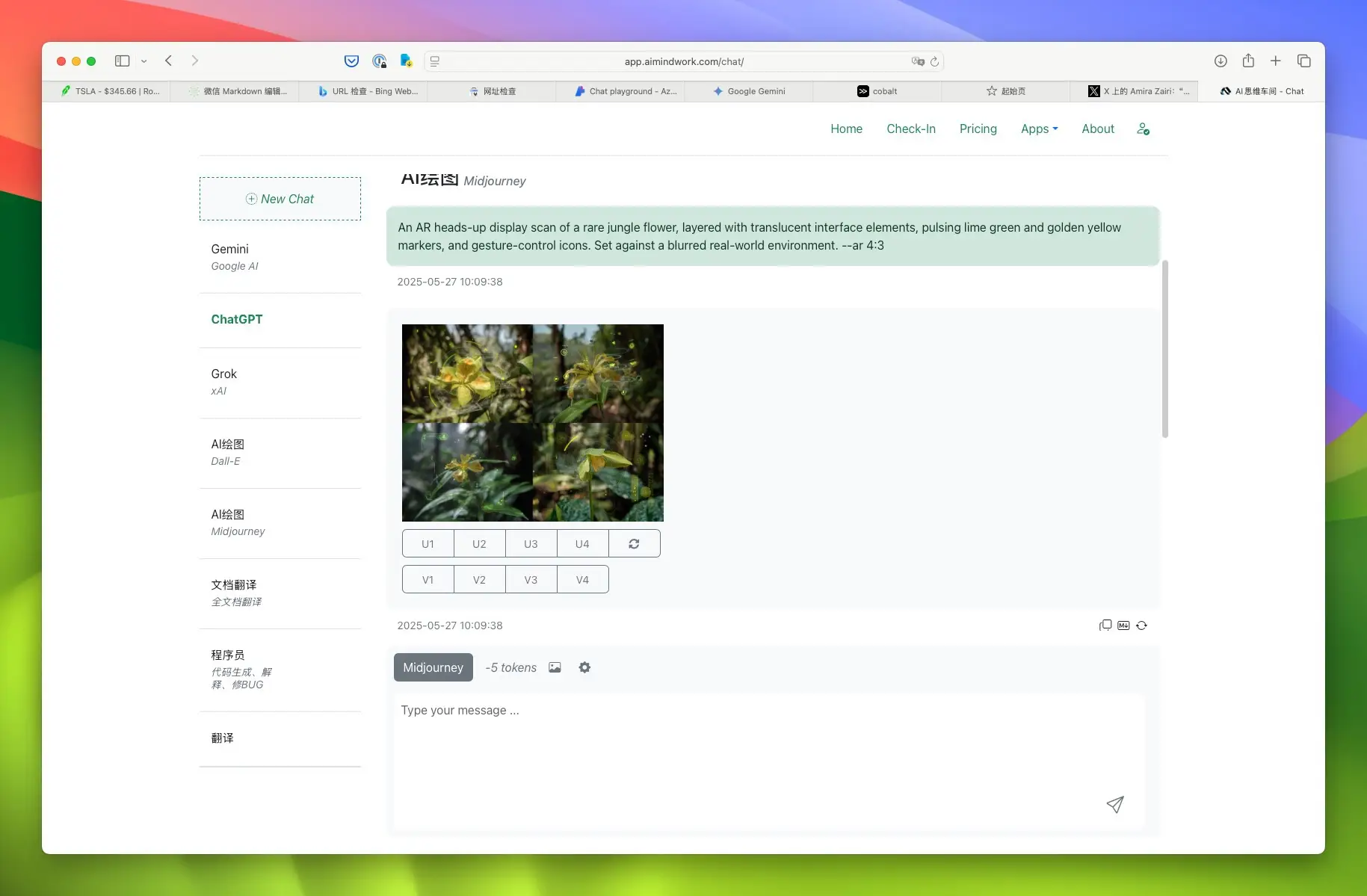
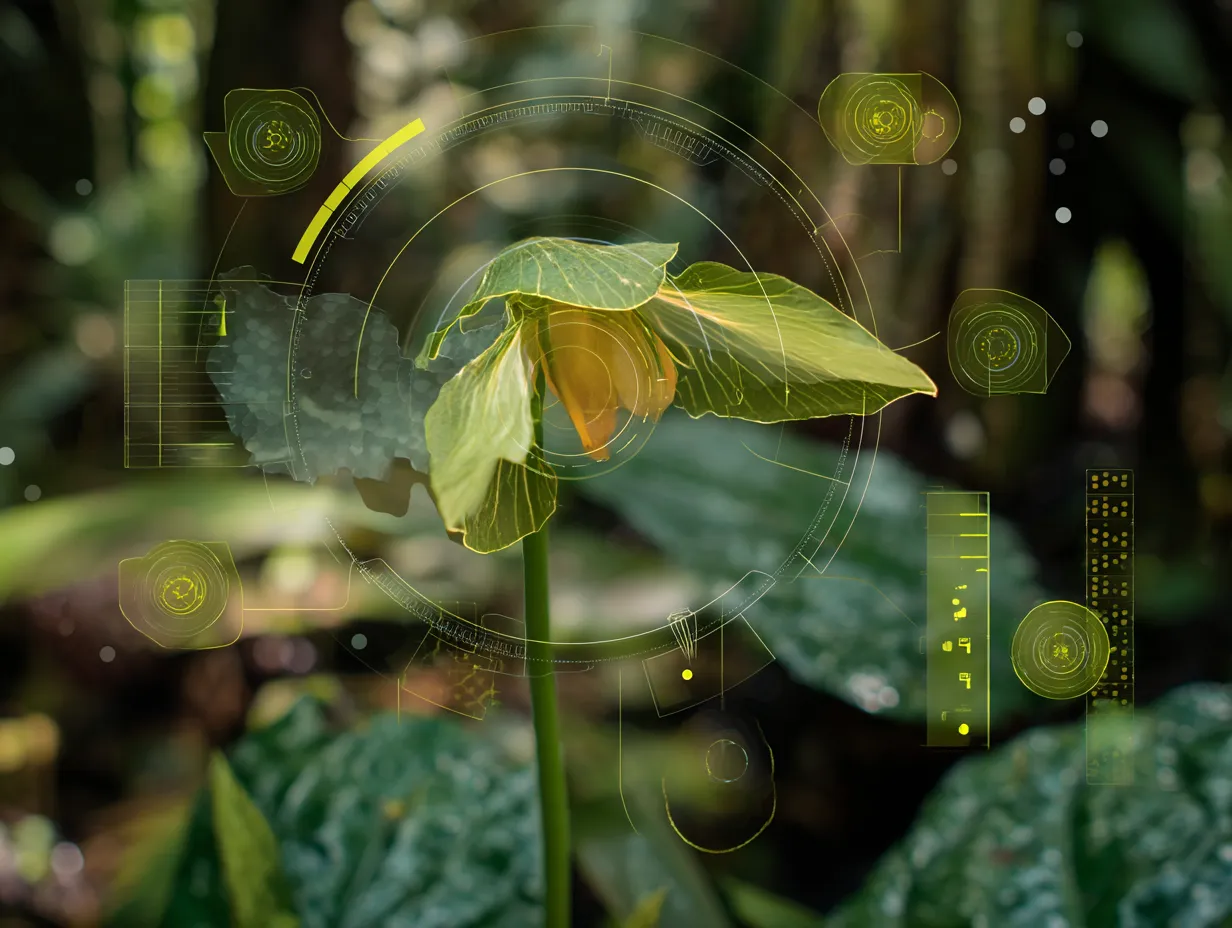
一朵花居然变得这么科幻!是不是很神奇?
例子二:扫描一个超酷的未来汽车发动机
咒语:
An AR heads-up display scan of a futuristic car engine, layered with translucent interface elements, pulsing steel gray and plasma pink markers, and gesture-control icons. Set against a blurred real-world environment. –ar 4:3
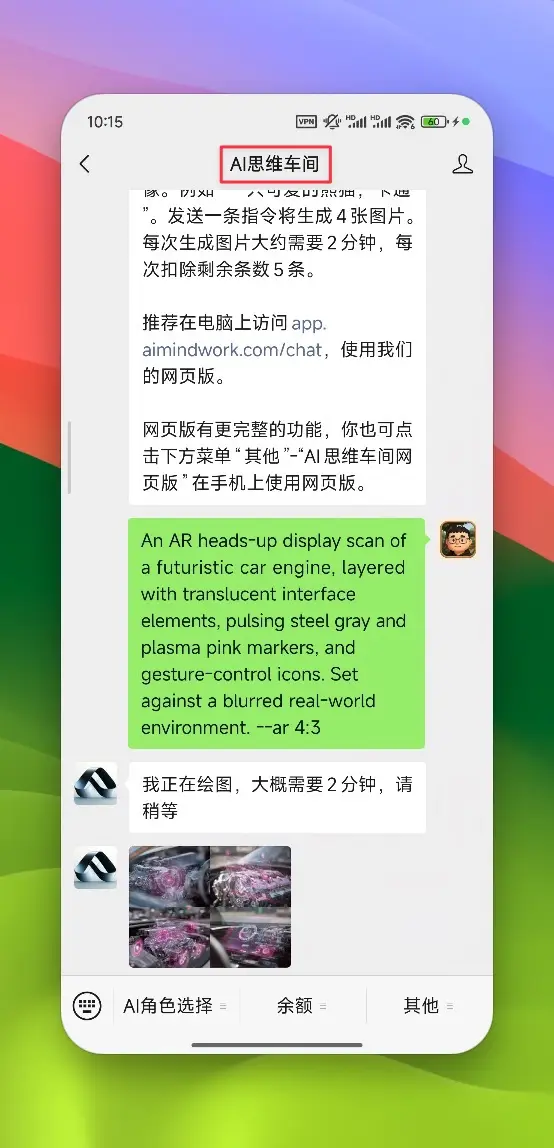
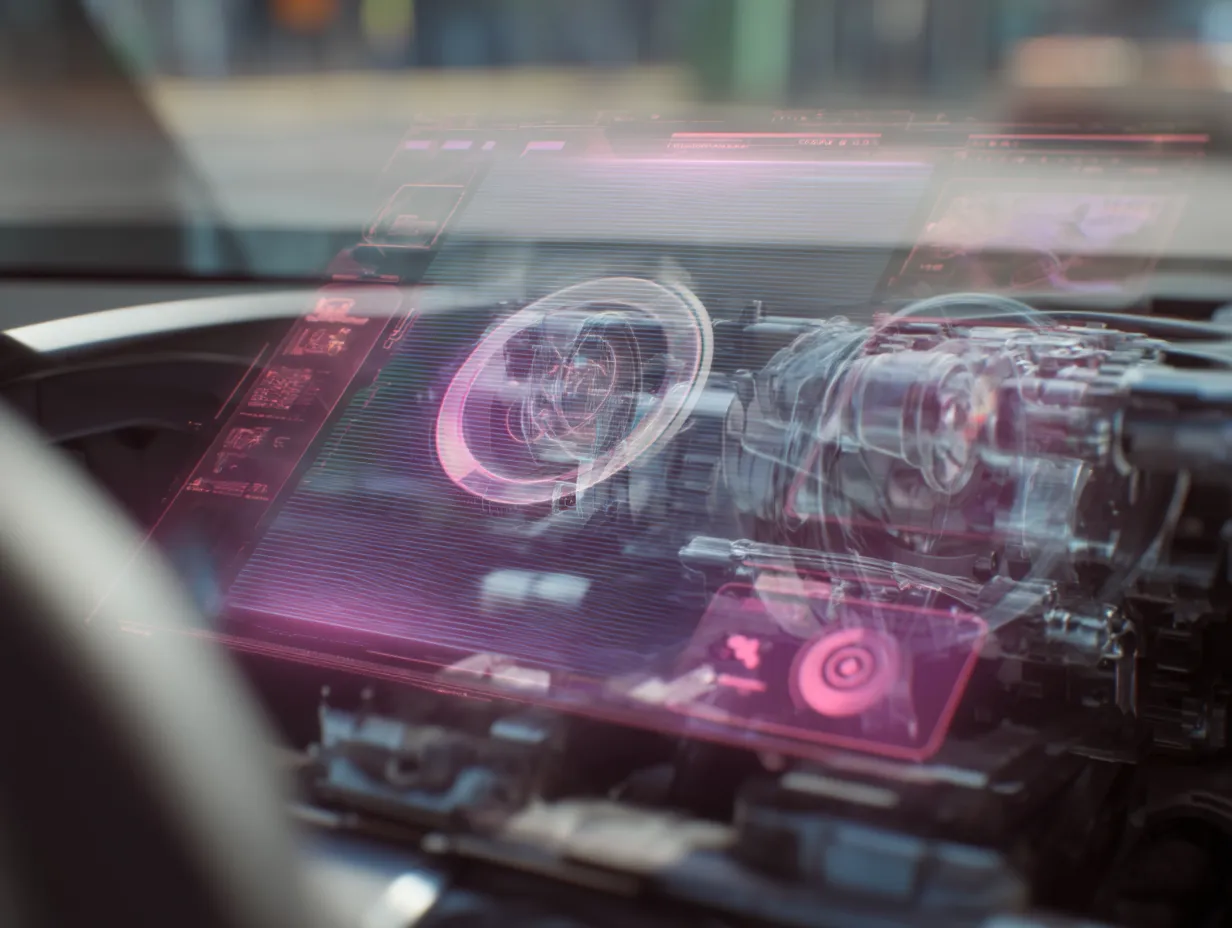
感觉下一秒车子就要飞起来啦!
例子三:扫描一个长满青苔的古老雕像
咒语:
An AR heads-up display scan of a historic statue covered in moss, layered with translucent interface elements, pulsing bronze and jade green markers, and gesture-control icons. Set against a blurred real-world environment. –ar 4:3
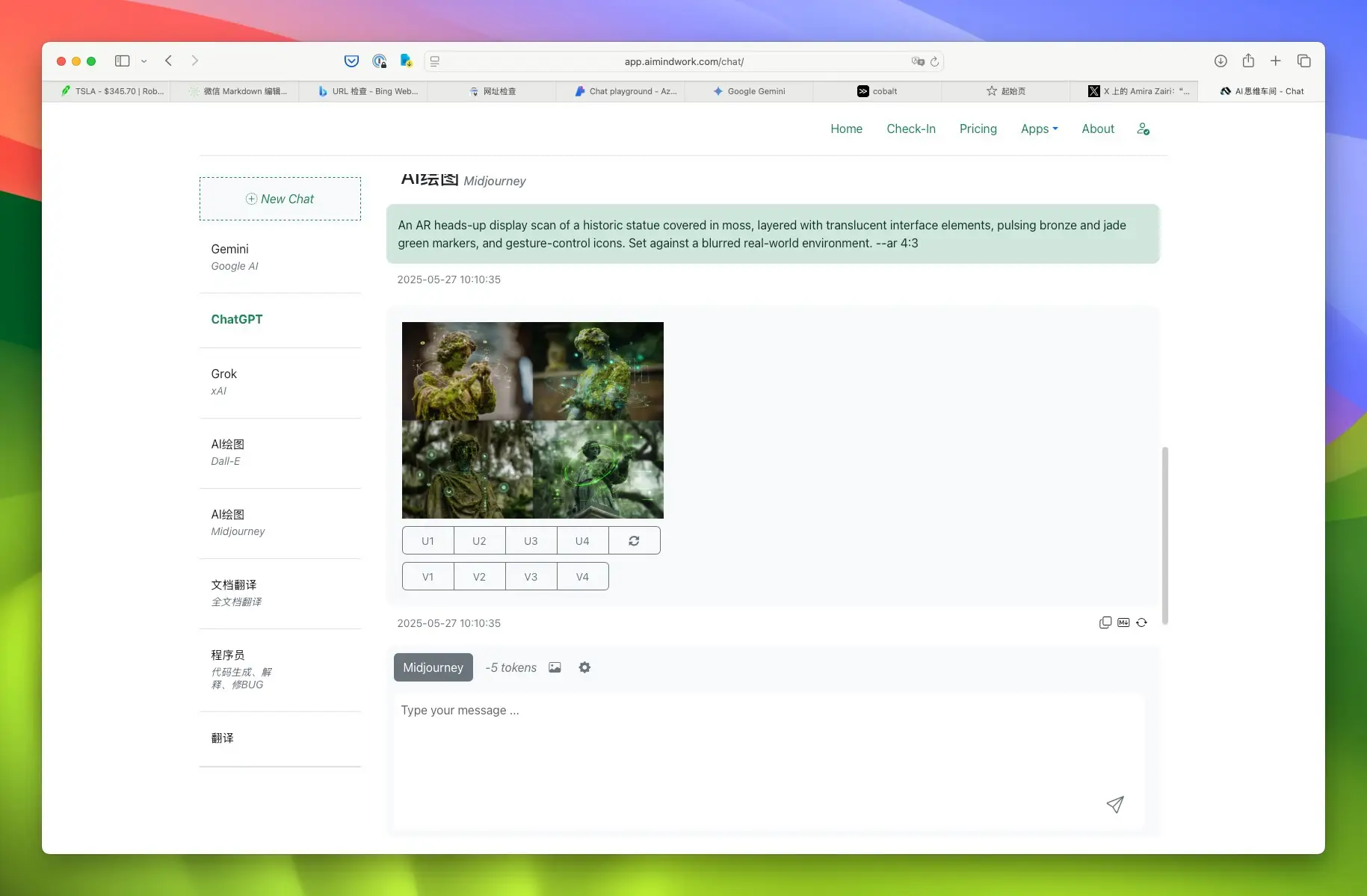
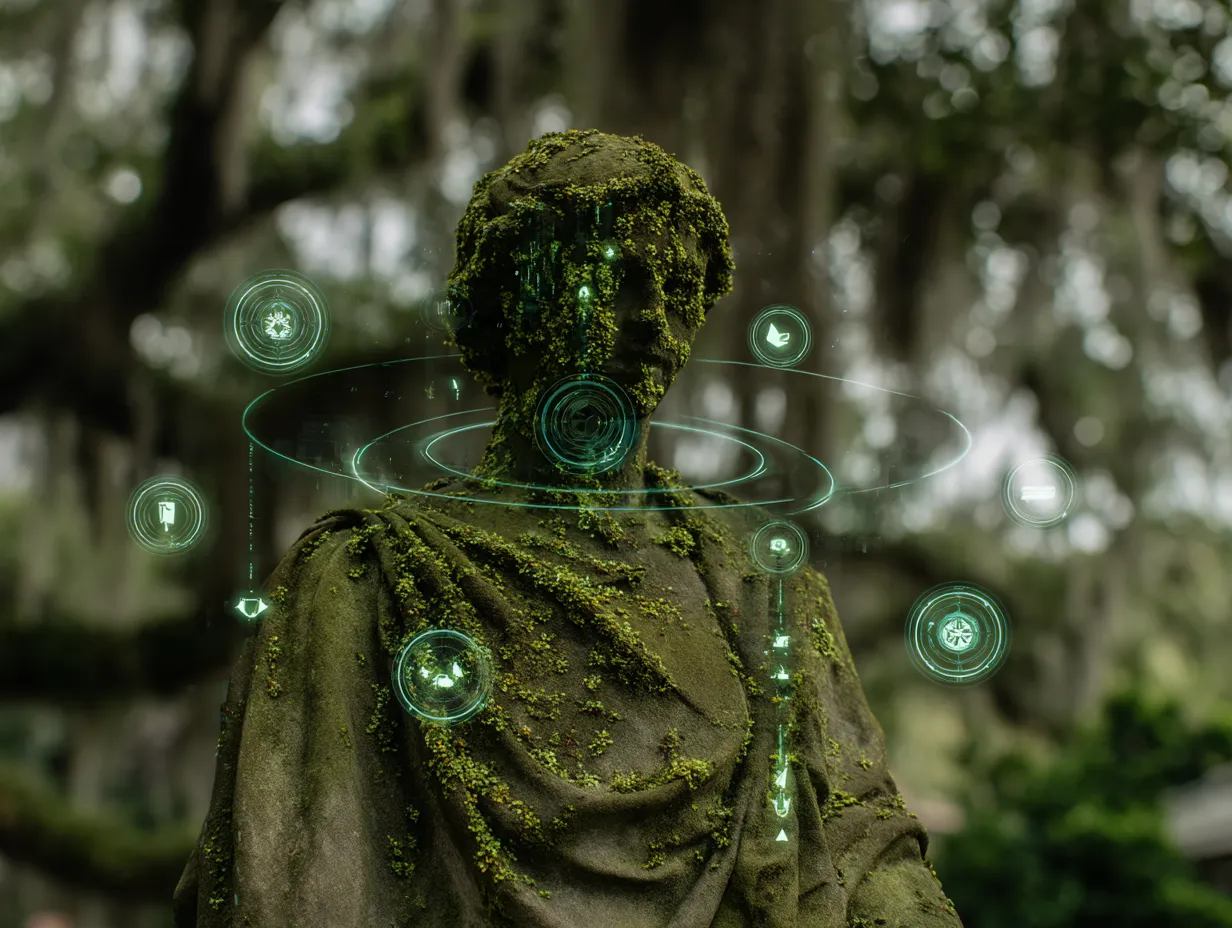
一下子像进入了神秘的古迹,太酷了吧!
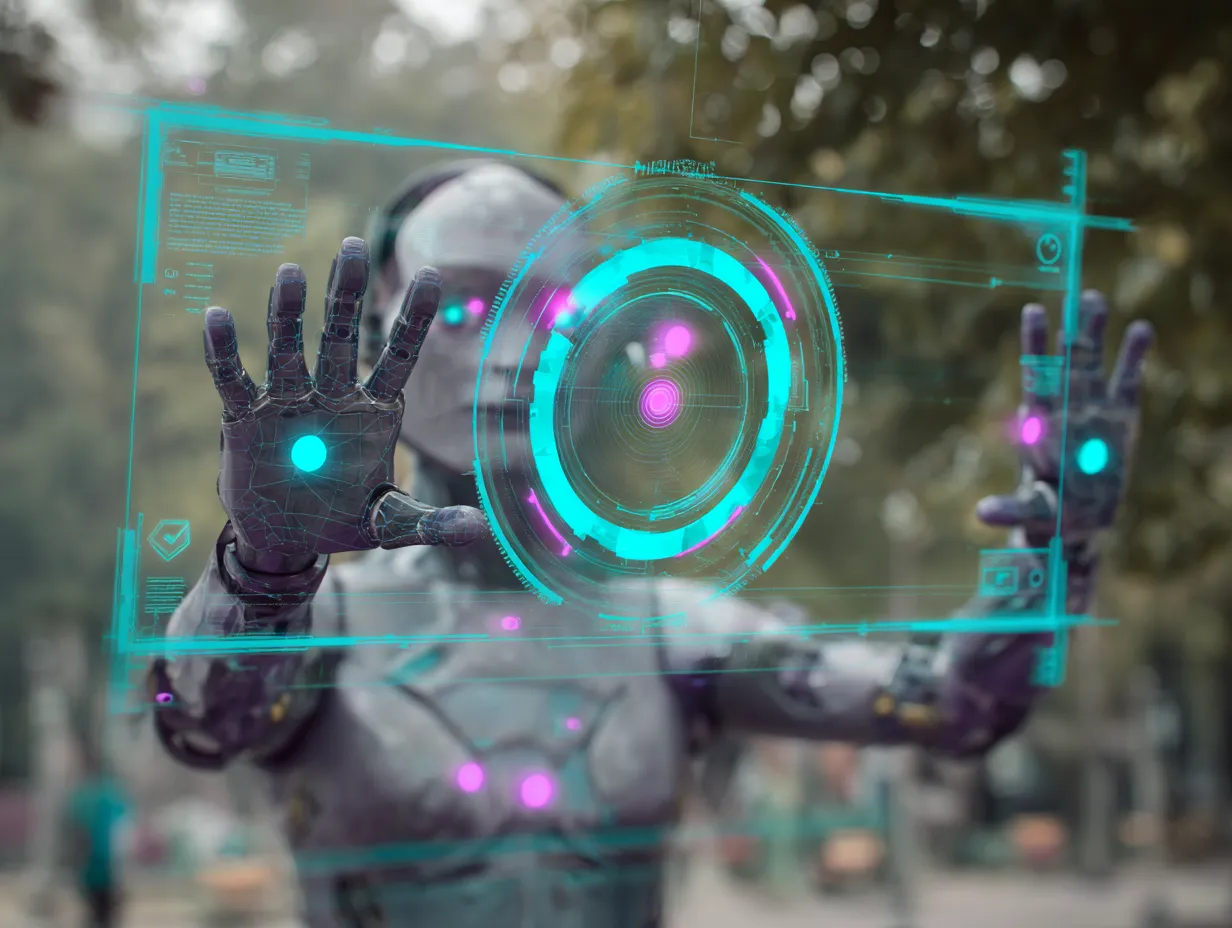
例子四:扫描一个未来世界的人形机器人
咒语:
An AR heads-up display scan of a humanoid android, layered with translucent interface elements, pulsing cyan and magenta markers, and gesture-control icons. Set against a blurred real-world environment. –ar 4:3
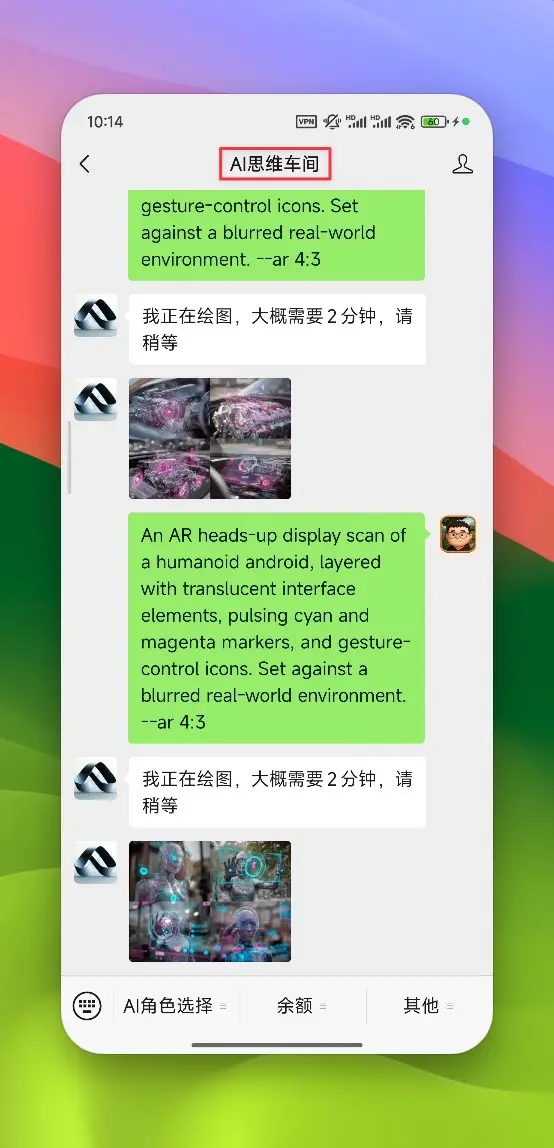
哇塞,这简直就是电影大片里的场景!
我也想试试!我该怎么画呢?
很简单呀!你只需要把咒语里的[subject]换成你想画的东西,再把[color1]和[color2]换成你喜欢的颜色就行啦!
比如你可以试试扫描:
- 你最喜欢的玩具
- 你家的猫咪或狗狗
- 你吃的美味零食
- 甚至你自己画的一幅画!
是不是超级简单又好玩?
总结一下今天的小秘诀,你只要记住这几点就能轻松上手:
- 想扫描啥你来定
- 加上透明的信息窗口
- 标记颜色随便选
- 加上酷酷的小手图标
- 背景稍微模糊一点
现在你是不是迫不及待想去试试啦?
快打开Midjourney,创造属于你自己的AR扫描大片吧!相信我,你的小伙伴们看到了一定会惊叹不已!
如果你觉得今天这个小技巧很棒、很酷、很好玩,就快点给这篇文章点个大大的赞👍吧!别忘了再转发给更多的小伙伴,让他们也变成AI绘画小达人!
关注我们,下一次还有更多简单又好玩的AI绘画技巧等你来学哟!
我们下次见啦!😊