Isometric 等距3D怎么写?可复制模板与示例
Isometric 等距3D怎么写?可复制模板与示例
Wei Family LLC想把世界地标做成等距3D小模型,一键出图?这份合集给你一条万能模板 + 3个即用示例。白底、光线柔和、细节清晰,适合封面、海报、图标、演示页。
一条万能模板(直接替换中括号)
Isometric graphics, depicting [地标/场景 + 2-3个简短特征], set against a white background with soft, smooth lighting. 3D Blender style, clean, sharp focus and high level of detail, warm colors. High resolution. –ar [1:1/4:5/16:9]
快速用法
- 替换中括号里的对象和特征,比如 “Eiffel Tower, iron lattice details, riverside path”。
- 选比例:横图用 –ar 16:9,竖图用 –ar 4:5,方图用 –ar 1:1。
- 想要冷色氛围,就把 warm colors 改成 cool colors 或 pastel colors。
3个可直接复制的示例
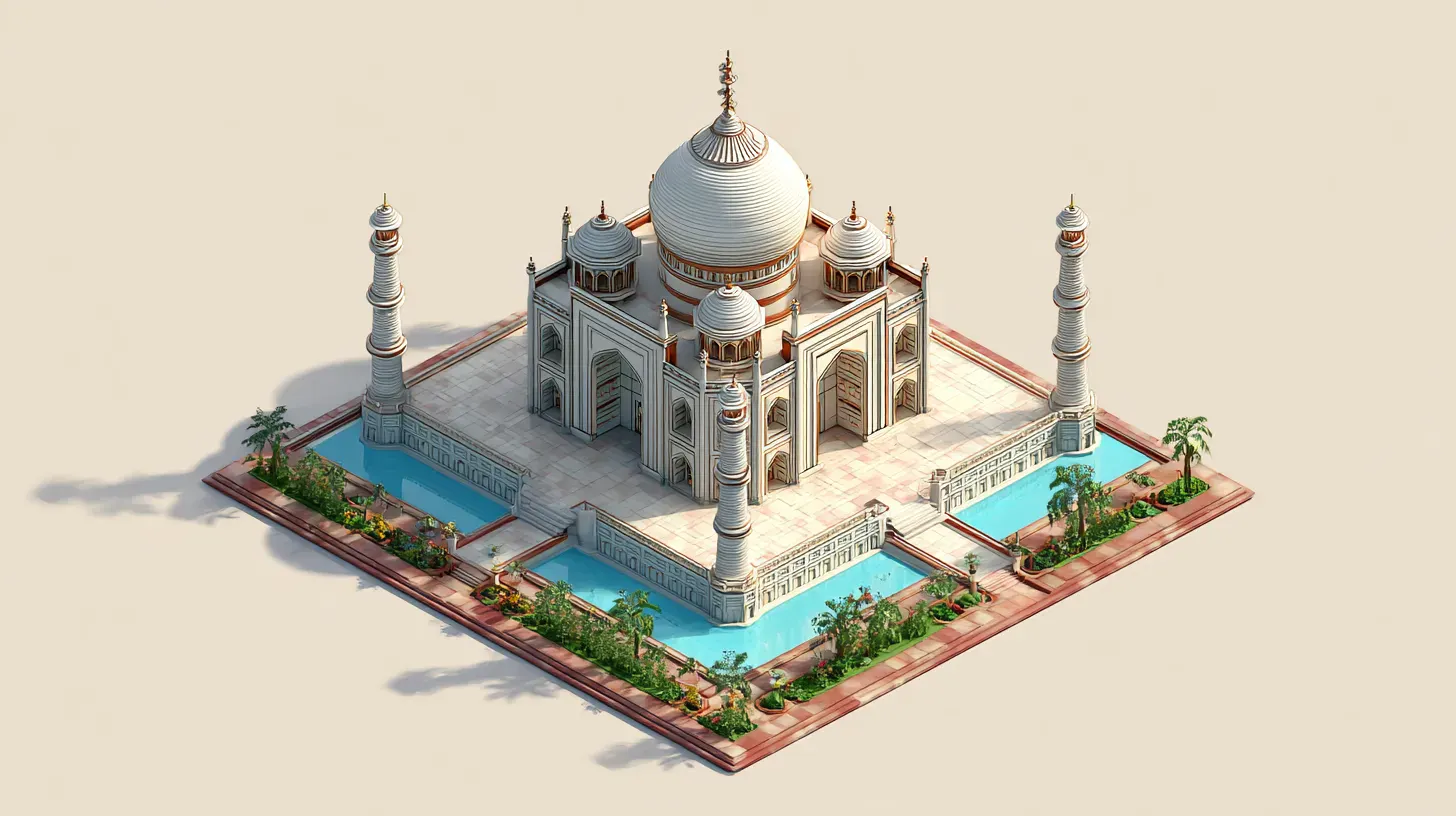
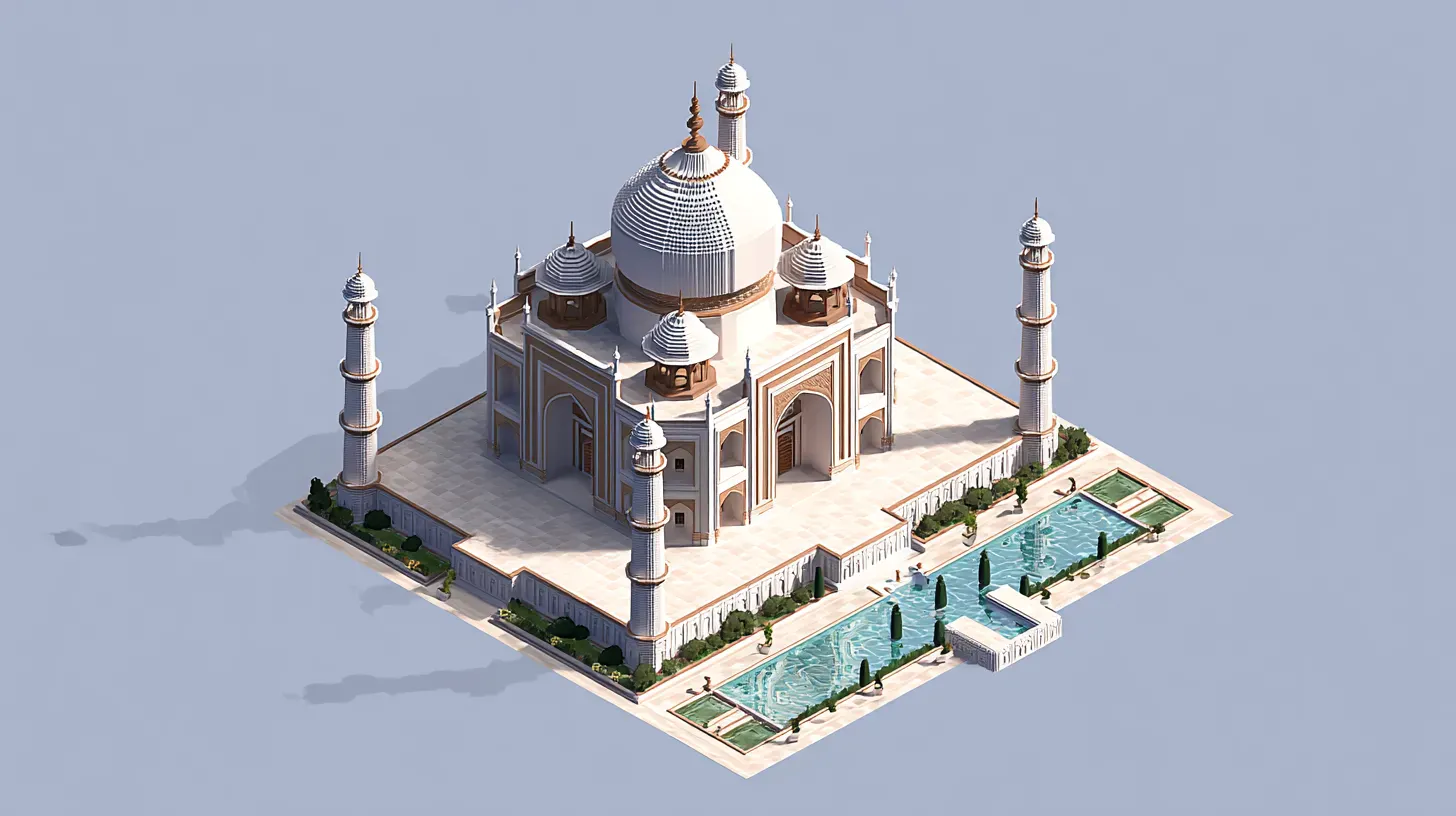
泰姬陵
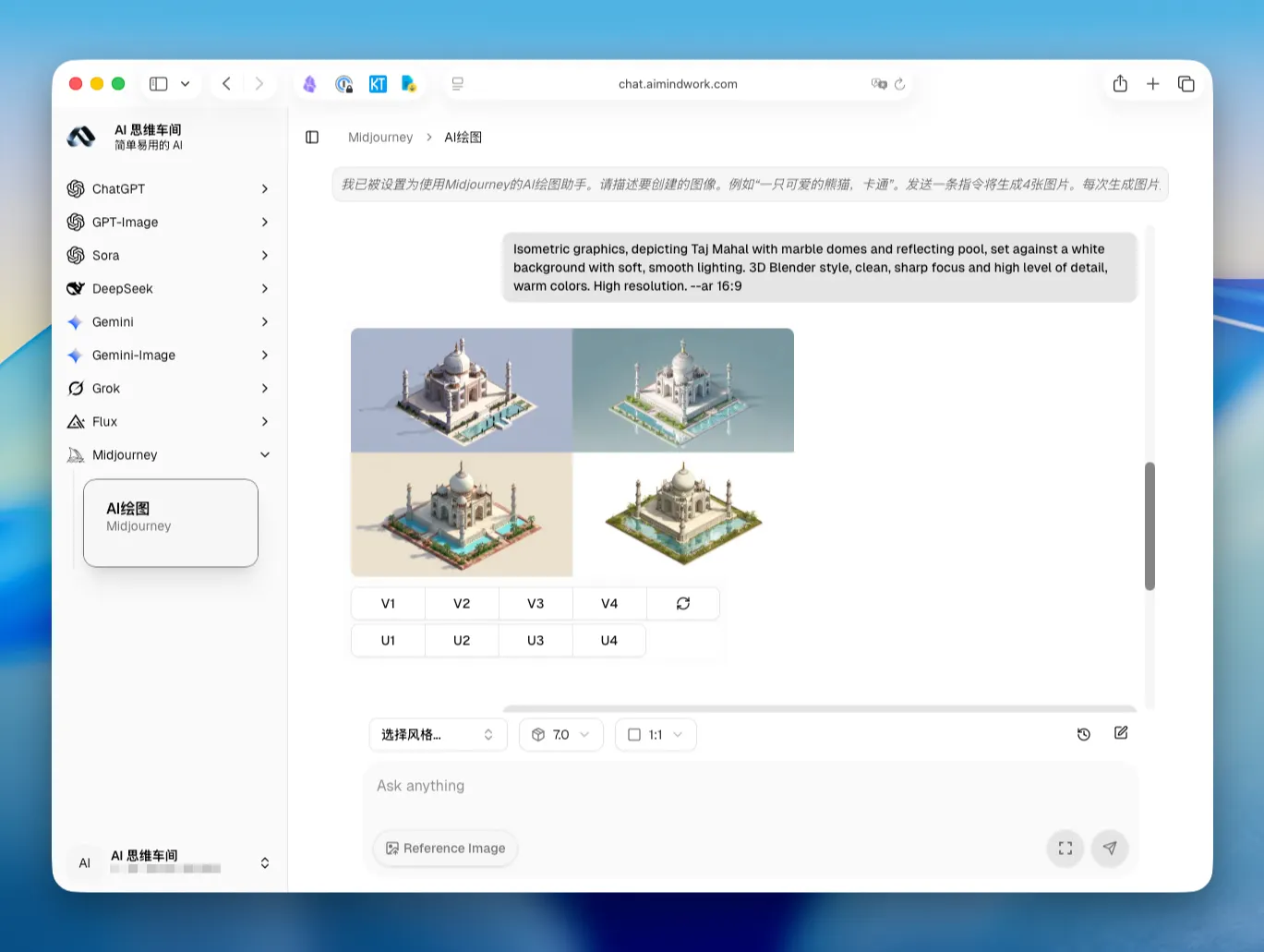
Isometric graphics, depicting Taj Mahal with marble domes and reflecting pool, set against a white background with soft, smooth lighting. 3D Blender style, clean, sharp focus and high level of detail, warm colors. High resolution. –ar 16:9
悉尼歌剧院
Isometric graphics, depicting Sydney Opera House with sail-like roofs and waterfront steps, set against a white background with soft, smooth lighting. 3D Blender style, clean, sharp focus and high level of detail, warm colors. High resolution. –ar 16:9
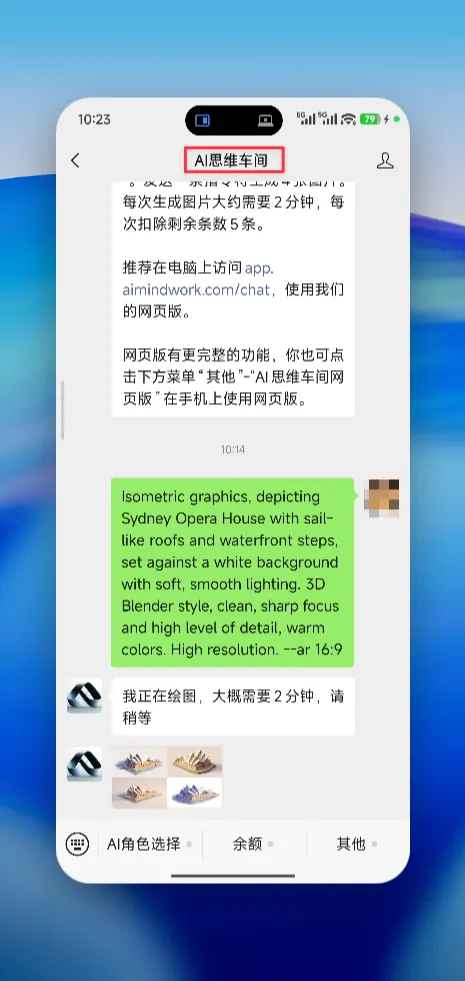
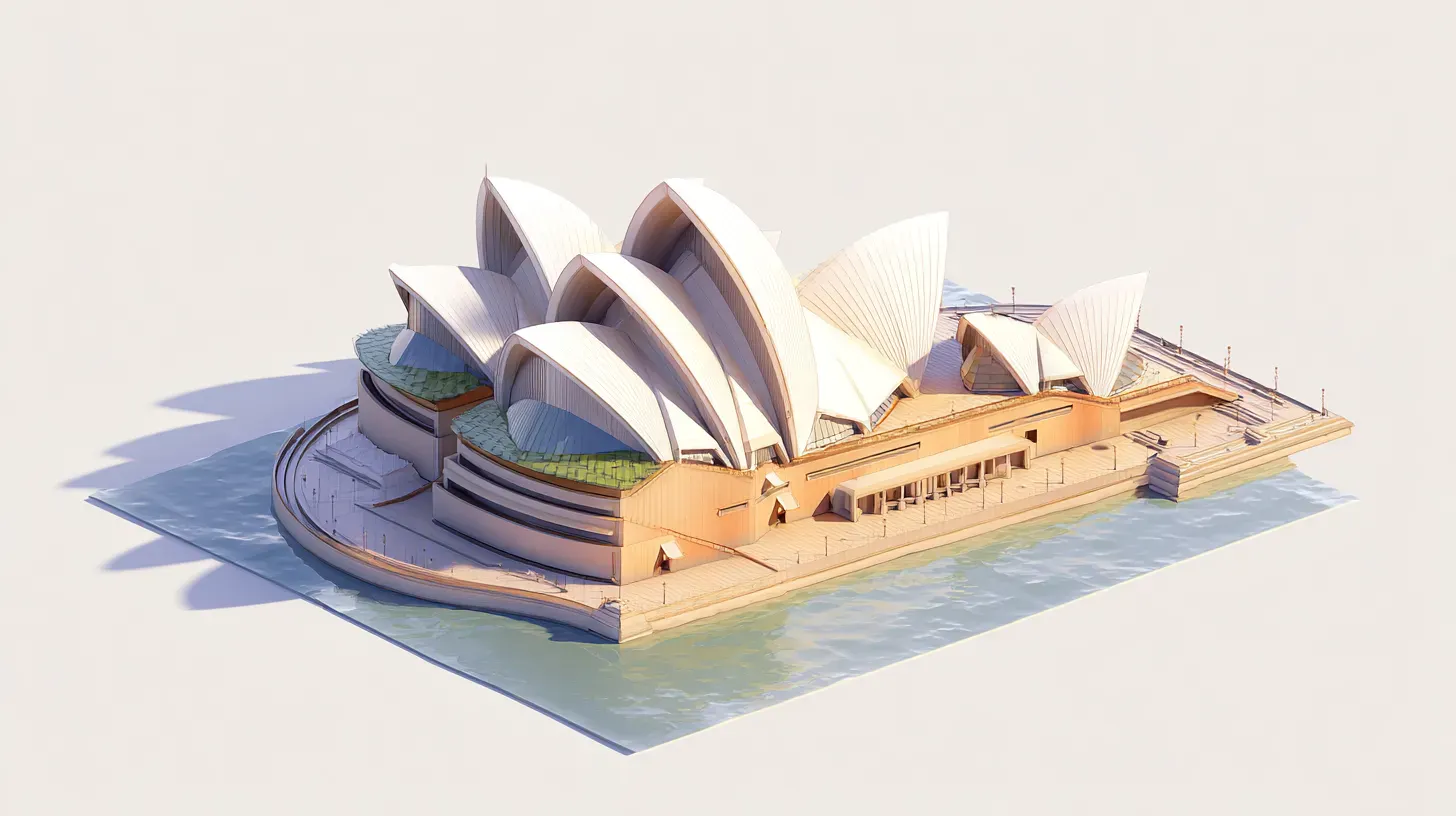
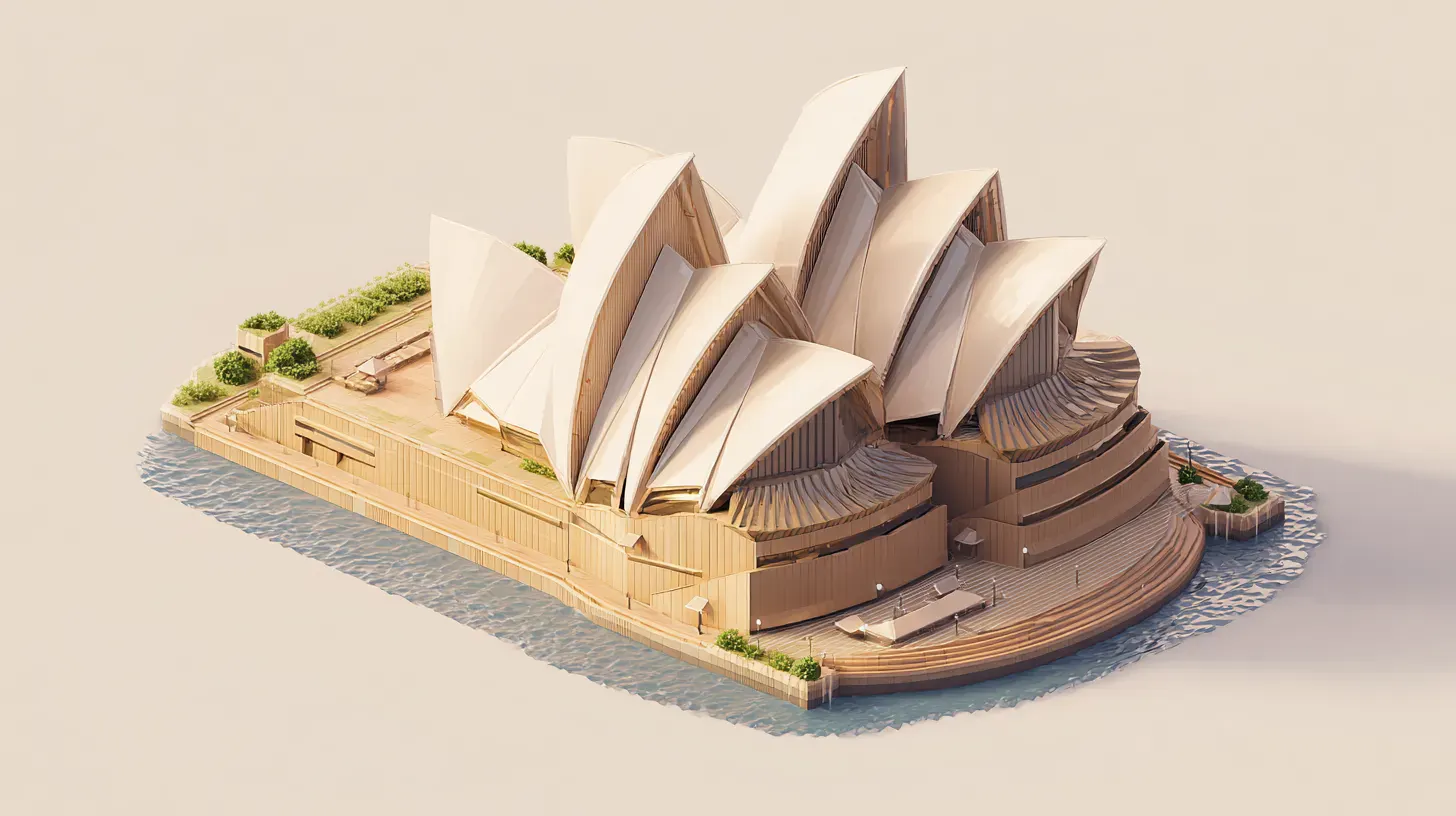
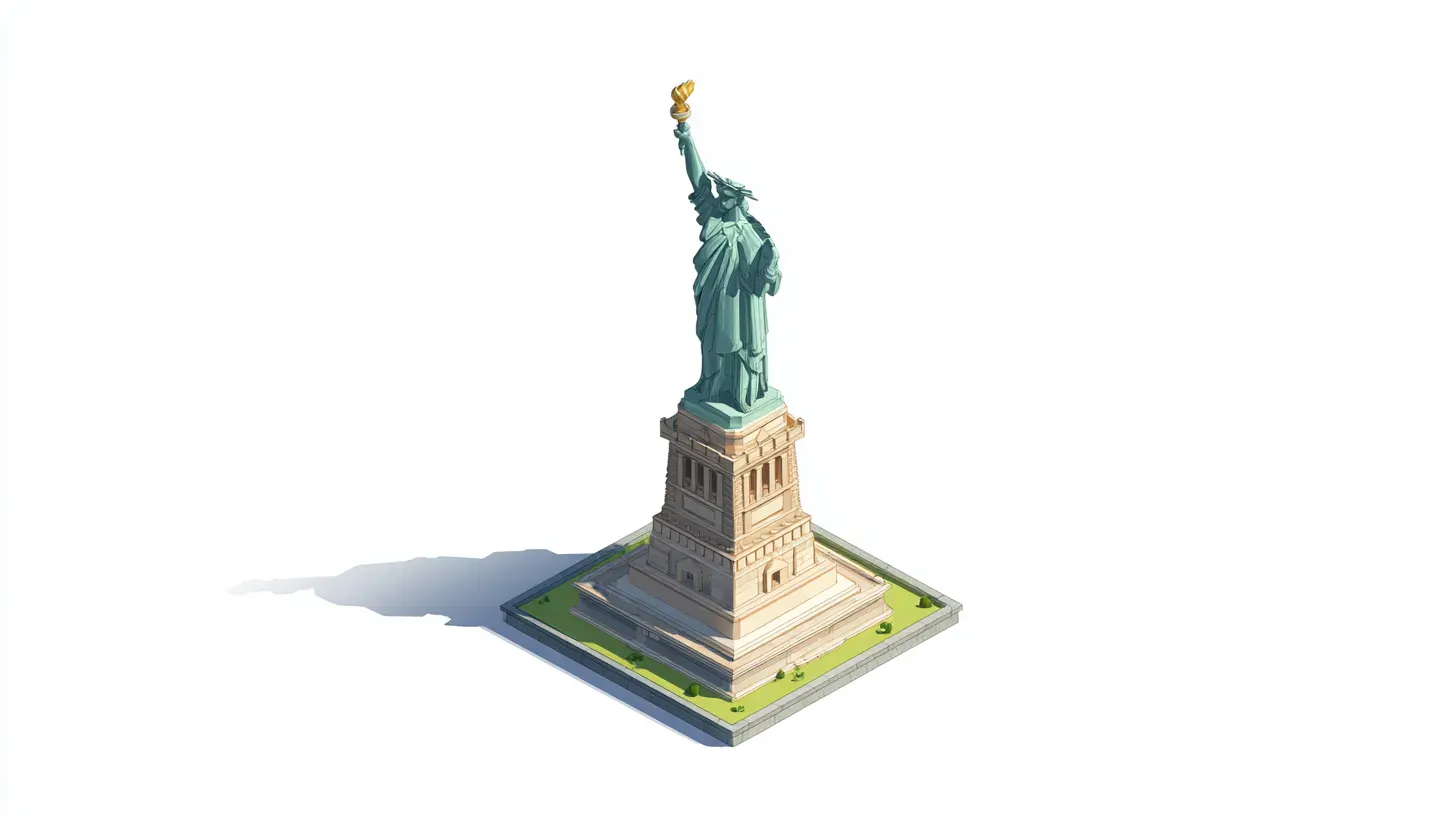
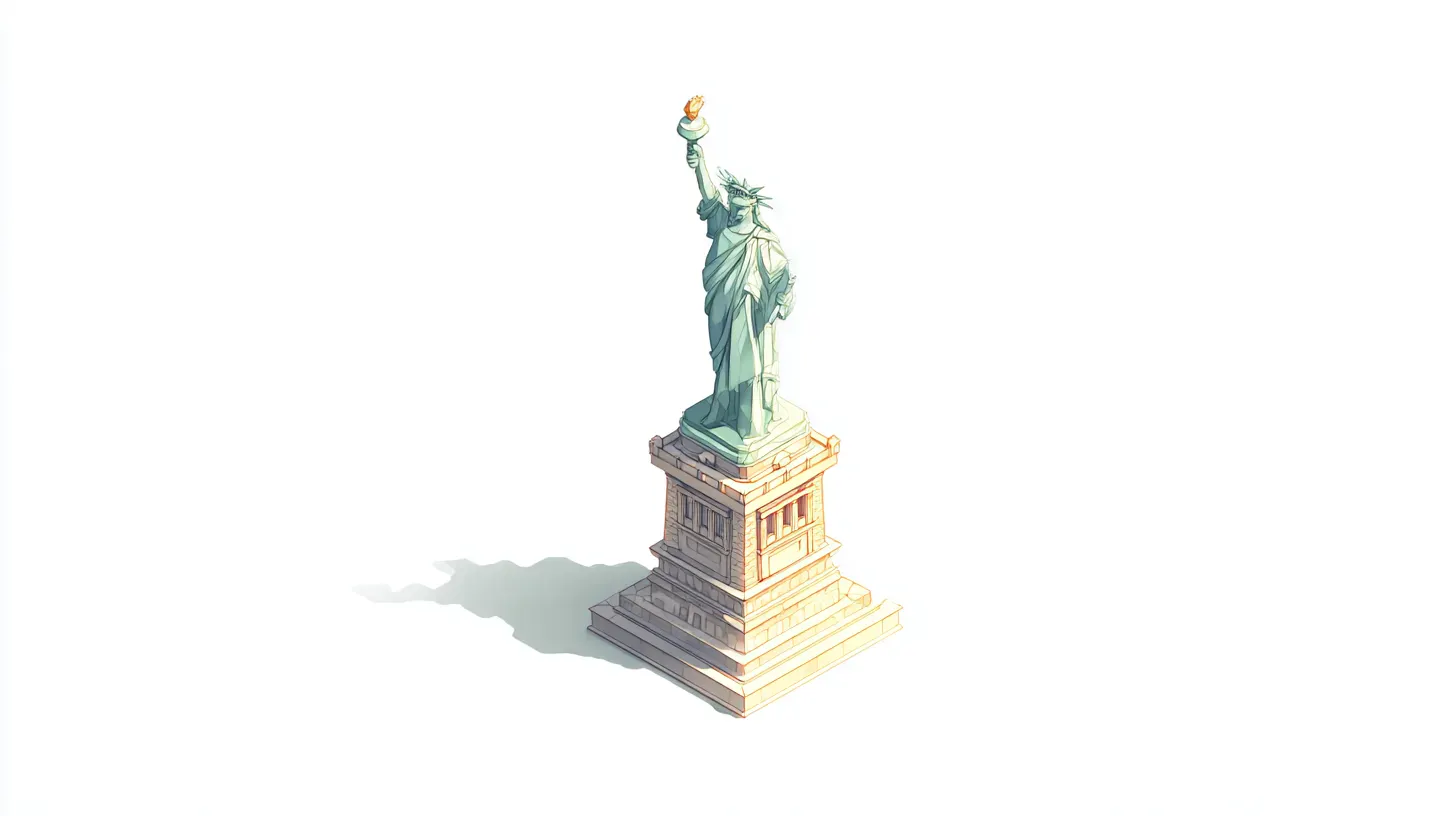
自由女神像
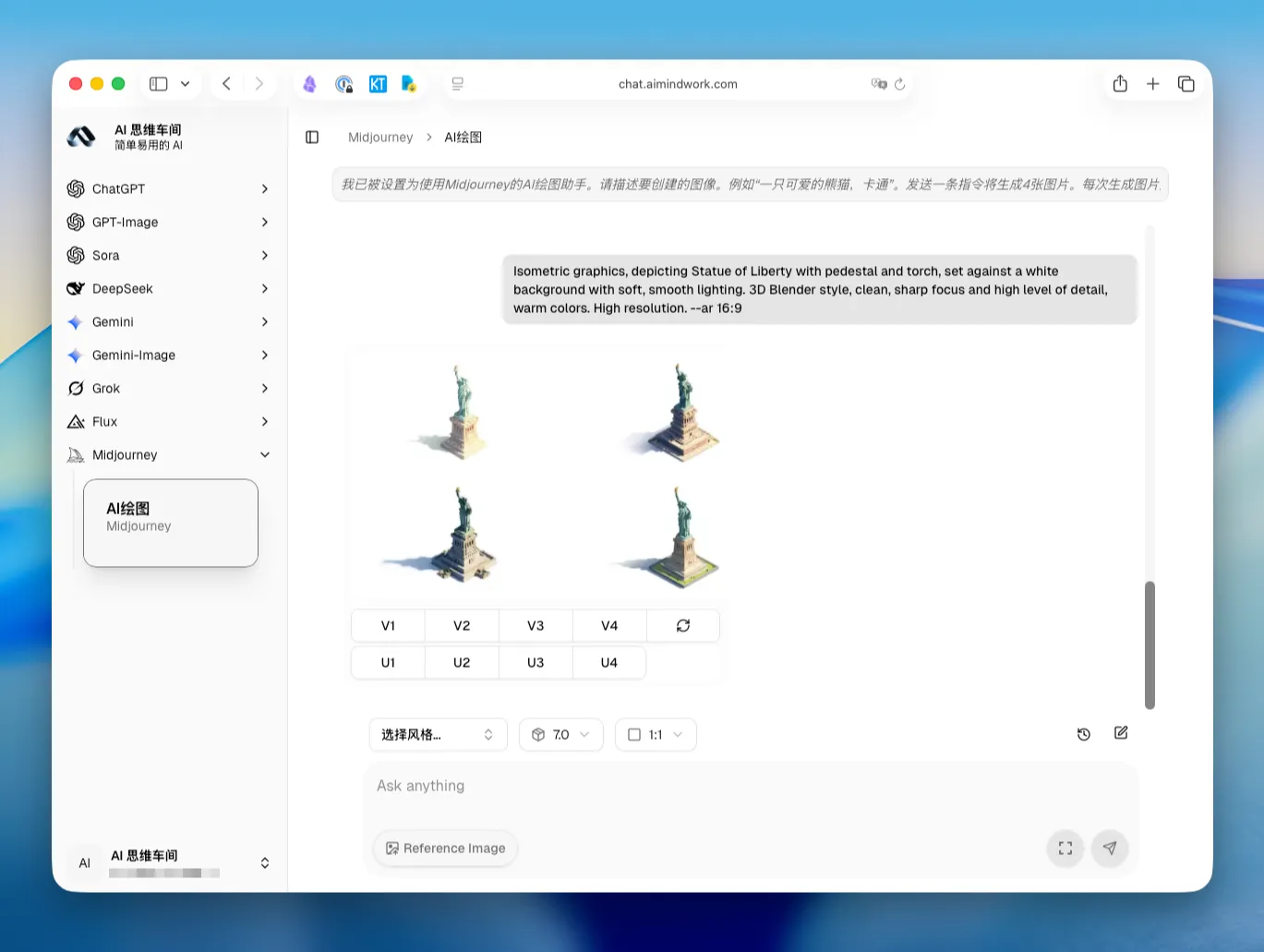
Isometric graphics, depicting Statue of Liberty with pedestal and torch, set against a white background with soft, smooth lighting. 3D Blender style, clean, sharp focus and high level of detail, warm colors. High resolution. –ar 16:9
小技巧
- 想更亮:把 soft, smooth lighting 前加 bright,或把 warm colors 改成 bright, warm colors。
- 白底太刺眼:把 white background 改为 off-white background。
- 注意参数写法:–ar 要写成 16:9、4:5、1:1,避免写成 16:92 这类错误。
常见问题
- 为什么用等距视角?等距能把建筑做成“小模型”效果,造型清晰、层次分明,特别适合做信息图和封面。
- 为什么要白底?白底便于抠图、排版,系统推荐时也更“干净”,点击和停留更高。
- 写不出细节怎么办?给 2-3 个关键词描述就够了,比如材质、结构、环境元素:iron lattice、arched bridge、snow-capped peak。
这篇可以当作你的“等距3D白底”速查表。收藏、转发,下次做封面或海报直接复制就能出图。你还想要哪些地标或主题?留言告诉我,下期继续更新。