只用一句话,我把30年前的老照片修复好了
只用一句话,我把30年前的老照片修复好了
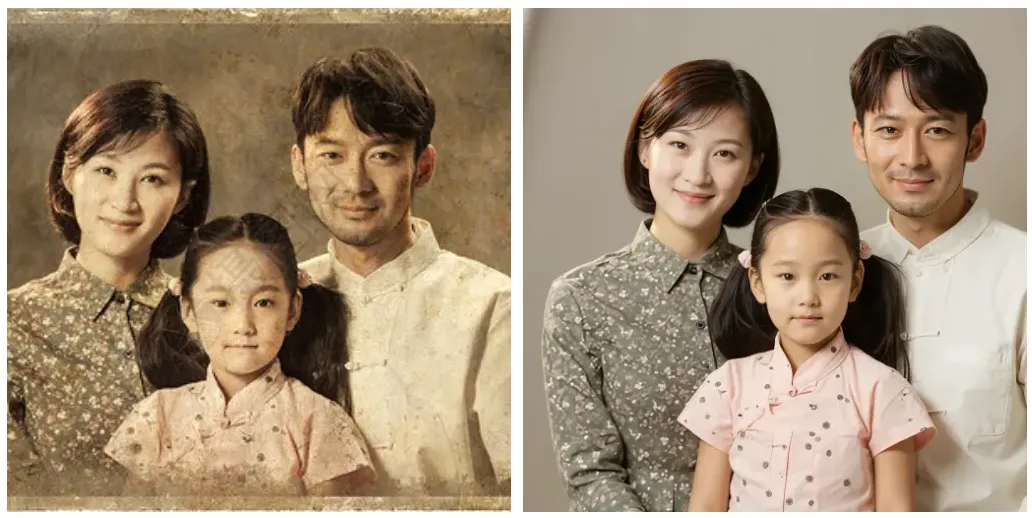
Wei Family LLC这周末我用 Flux Kontext 试了下老照片修复,只用一句提示词,就把发黄、起皱、带划痕的老照片“救活”了。效果非常干净自然,细节也没“整容”。下面分享两个真实案例、完整流程和可复制的提示词。
怎么做(小白也能上手)
- 准备照片
- 最好用扫描仪;没有的话,用手机拍也行。
- 拍摄小技巧:白天自然光,避免强反光;把照片放在纯色底上,镜头平行拍。
- 使用 Flux Kontext 模型
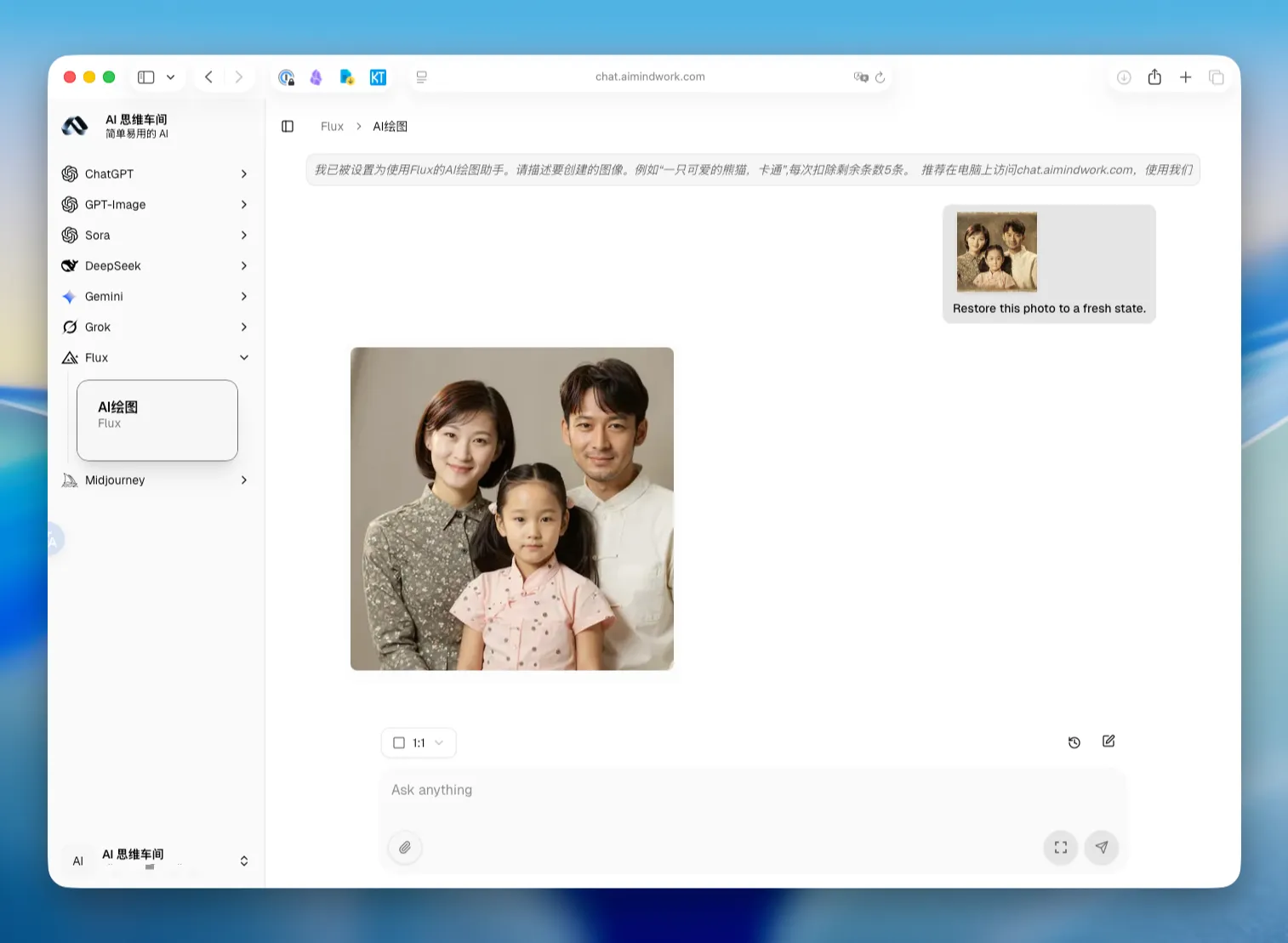
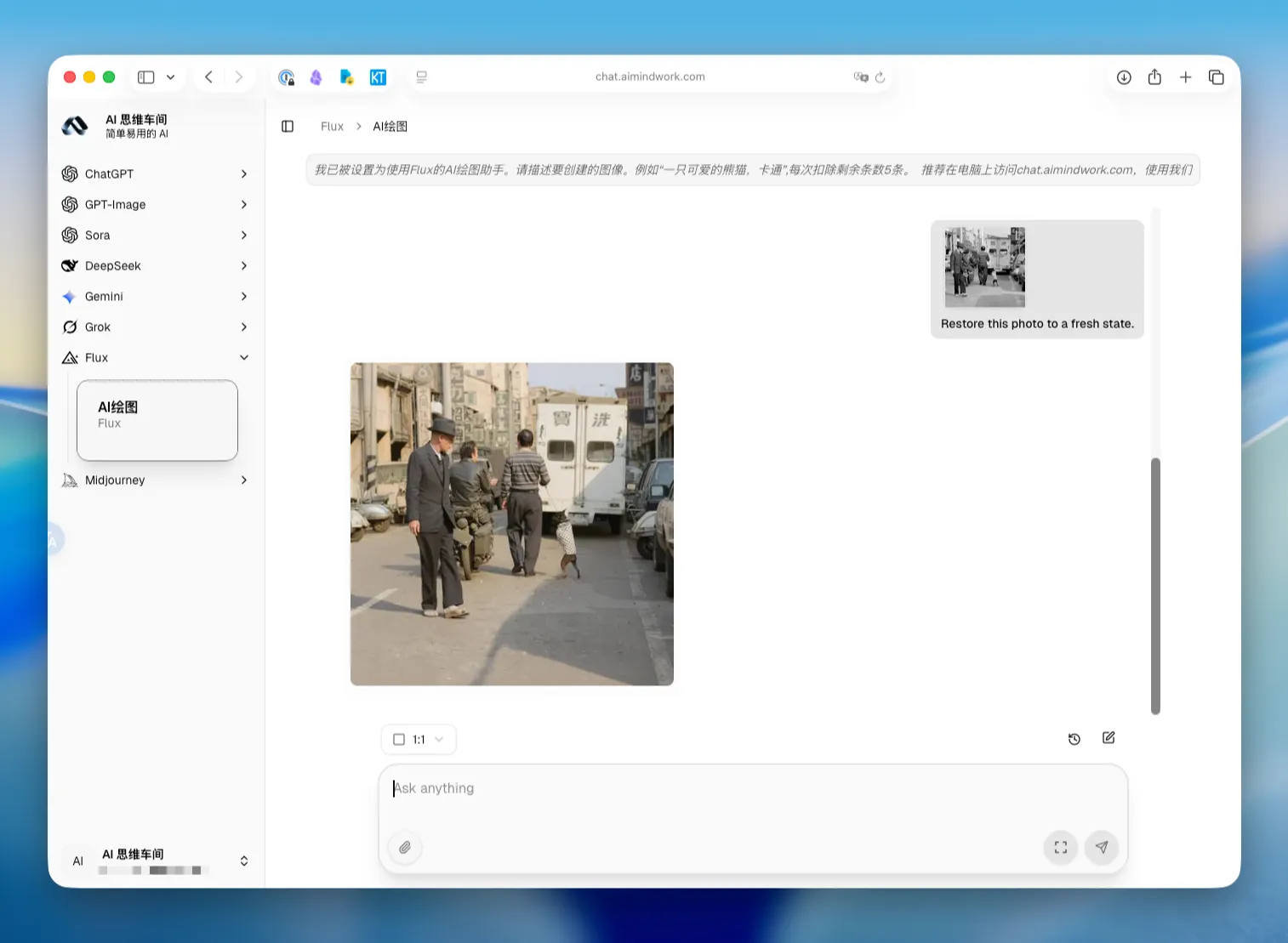
- 进入 AI思维车间 ,选择 Flux 模型
- 点击📎附件图标,导入老照片。
- 复制基础提示词
- 基础版:Restore this photo to a fresh state.
- 想更稳妥,可在后面加限定语,控制“不过度美化”与“保真”
两个真实案例
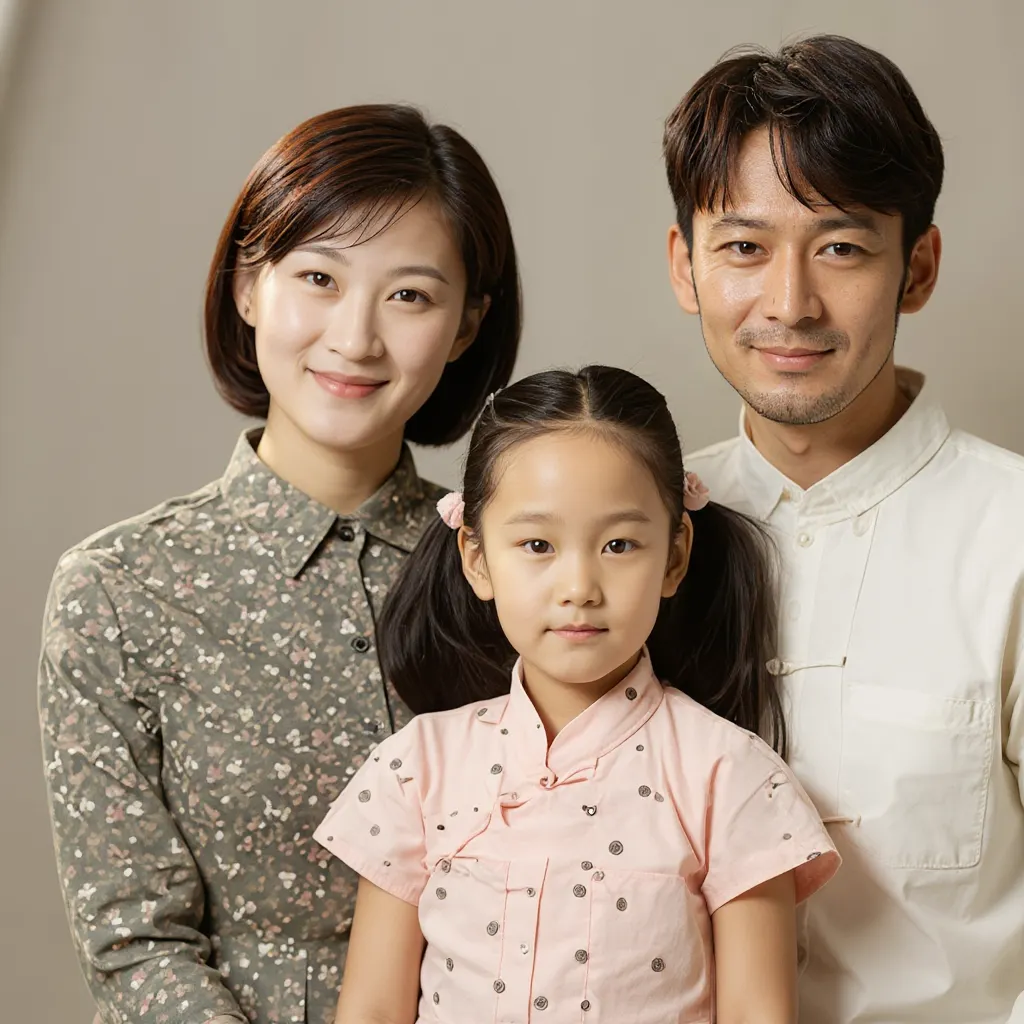
案例一
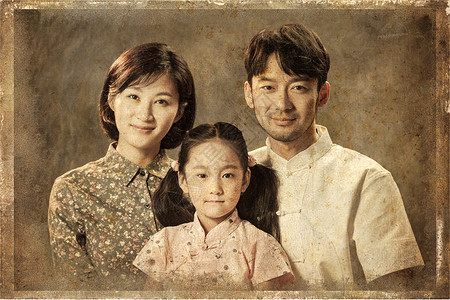
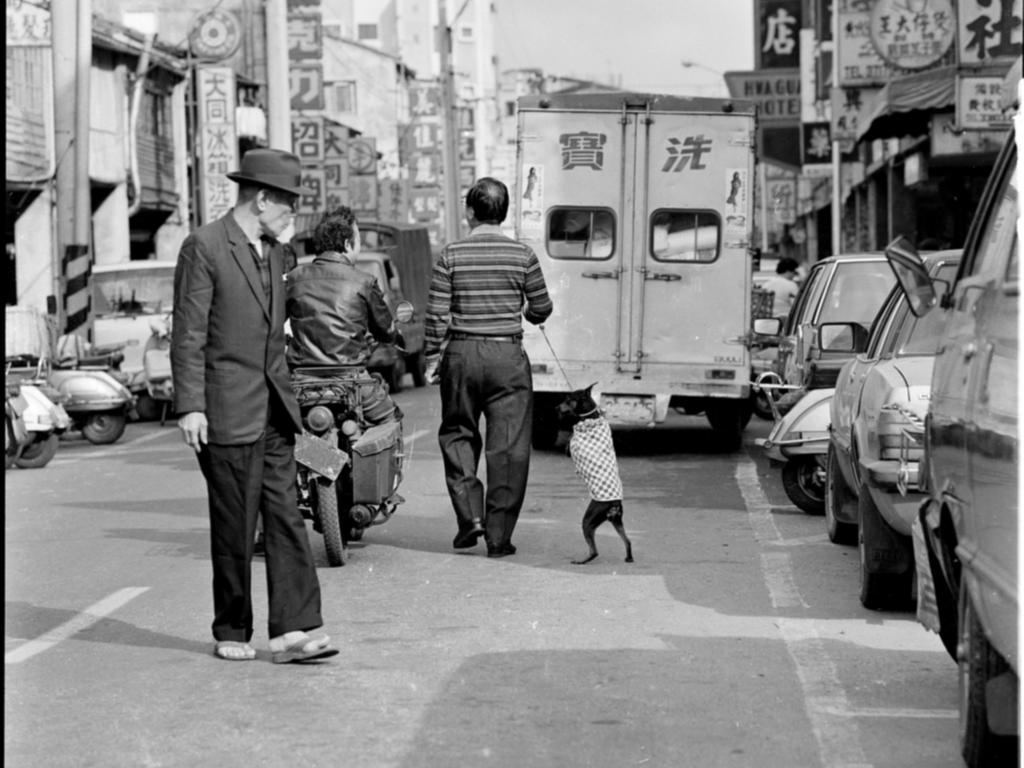
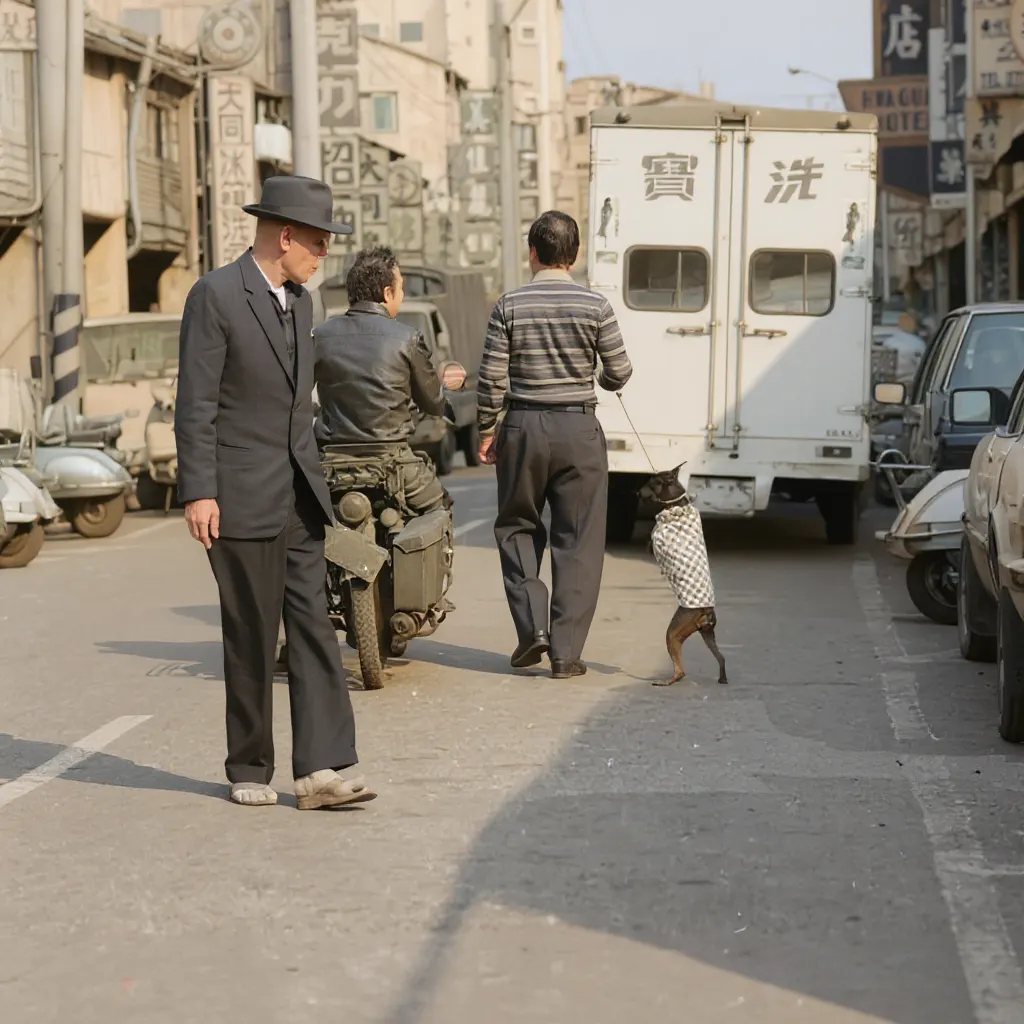
案例二
可直接抄的提示词(按需求套用)
- 通用修复(干净自然)
- Restore this photo to a fresh state.
- 保留五官、不美颜
- Restore this photo to a fresh state. Keep the original facial features and expressions. No beautify, no smoothing.
- 修复+轻度上色(黑白照)
- Restore and subtly colorize this old photo. Preserve film grain. Keep natural skin tone. No stylization.
- 去划痕/灰尘/褪色
- Fix scratches, dust, and fading. Keep original texture and background. Subtle restoration only.
- 保留年代感
- Restore this photo but preserve vintage look and grain. Do not over-clean.
Flux Kontext 在老照片修复这件事上,确实省时又省心。建议先用基础提示词跑一版,再根据效果微调几句限定语,基本就能得到自然、耐看的结果。
觉得有用,点个赞或转给需要的人,别让回忆一直模糊下去。







手机上就能用ChatGPT和Midjourney
微信关注“AI思维车间”